Free VPN and Proxy Checker
Check any IPv4 or IPv6 address for VPN, proxy, TOR, and datacenter usage, plus full location and network data. Free, no account required.
What does this tool check?
Enter any IPv4 or IPv6 address and the tool returns a clear yes/no signal for VPN, proxy, TOR, and datacenter detection, powered by a continuously updated database.
Beyond the privacy flags, you get full location data and network info, so you can understand not just whether an IP is suspicious, but where it is and who owns the infrastructure behind it.
Privacy signals
VPN, Proxy, TOR, and Datacenter. Each flag is independent, so an IP can trigger more than one simultaneously.
Location data
Country, city, continent, timezone, latitude, and longitude. Useful for cross-referencing a user's stated location or enforcing geo-based rules.
Network info
ASN, IP range, hostname, provider, organisation, and connection type. Shows who operates the network and whether it belongs to a residential ISP or a hosting provider.
Why VPN and proxy detection matters
Most online fraud, abuse, and policy evasion involves some form of IP obfuscation. A user behind a VPN or proxy is not automatically a bad actor, but the signal changes how you interpret behaviour, score risk, and enforce rules.
Fraud prevention
VPNs and proxies are a standard tool for fraudsters bypassing geo-restrictions, abusing promotions, or conducting account takeover attempts. Flagging masked IPs during checkout or registration lets your fraud team apply additional scrutiny before damage is done.
Account security
When a login arrives from a datacenter IP or a known TOR exit node, that is a meaningful anomaly even if the credentials are correct. VPN and proxy detection gives your security logic an additional layer to catch credential stuffing and session hijacking attempts.
Compliance
Content licences, financial regulations, and regional access rules can all be circumvented with a VPN. Detecting VPN and proxy usage helps you enforce geographic restrictions with confidence and document your enforcement efforts.
Ad fraud and analytics accuracy
Datacenter IPs and proxy traffic inflate impression counts, corrupt conversion data, and drain ad spend. Filtering these signals from your analytics and targeting pipelines keeps your performance data grounded in real user activity.
VPN detection best practices
Do not block VPN users by default
VPN use is common among privacy-conscious users and remote workers. Use the signal as one input in a broader risk score rather than a standalone block rule.
Combine with behavioural context
A VPN flag paired with unusual login timing, a new device, or failed authentication attempts carries far more weight than the VPN flag alone.
Treat datacenter IPs separately
Most legitimate users do not browse from datacenter IP ranges. Traffic from cloud hosting ASNs warrants a different response than consumer VPN traffic.
Log the full network data, not just the flag
Storing ASN, provider, and connection type alongside the detection result gives your fraud team the context to investigate patterns and improve rules over time.
Frequently asked questions
Common questions about VPN and proxy detection.
A VPN (Virtual Private Network) hides your real IP address by encrypting your internet connection and routing it through a server operated by a third party. It is used legitimately for privacy and remote access, and by fraudsters to bypass geo-restrictions or fraud controls.
A proxy server acts as an intermediary between your device and the internet, forwarding requests on your behalf and masking your real IP address. Unlike VPNs, most proxies do not encrypt traffic and are commonly found in fraud toolkits.
Both hide your IP address, but VPNs encrypt all traffic end-to-end while proxies typically route only specific application traffic without encryption. VPNs tend to be harder to detect; proxies are more commonly used in automated abuse.
TOR (The Onion Router) anonymizes traffic by bouncing it through a network of volunteer-operated relay servers before it exits to the open internet. TOR exit nodes are publicly listed and considered high-risk for most consumer-facing products.
A datacenter flag means the IP is registered to a cloud hosting provider or commercial data centre rather than a residential or business ISP. Legitimate end users rarely browse from datacenter IPs, making this one of the stronger signals for bots, automated scripts, or proxied traffic.
Checking whether an IP uses a VPN, proxy, or TOR helps detect fraud, prevent free tier abuse, flag suspicious logins, and enforce geo-based rules. Combined with other risk signals it gives you a more accurate picture of who is actually on your platform.
Yes. The tool supports both IPv4 and IPv6 lookups. As VPN providers and proxy networks have expanded their IPv6 infrastructure, checking IPv6 addresses is just as important as checking IPv4.
It depends on your platform's risk tolerance. Common responses include requiring additional verification such as email or SMS confirmation, applying a higher fraud risk score, restricting access to sensitive actions, or logging the session for manual review. Outright blocking is appropriate in some contexts, but for most SaaS products a step-up authentication approach balances security with user experience.
Need VPN and proxy detection across your entire product?
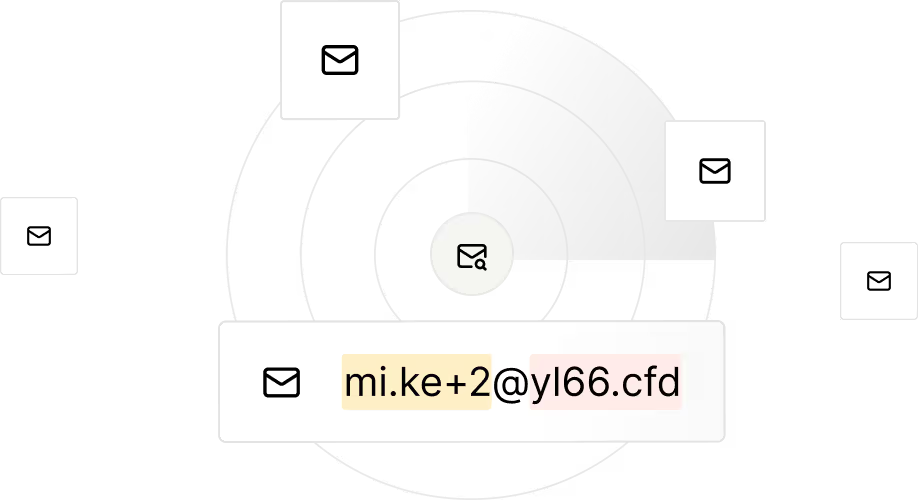
Identify disposable and low-quality emails so you can block risky signups early.
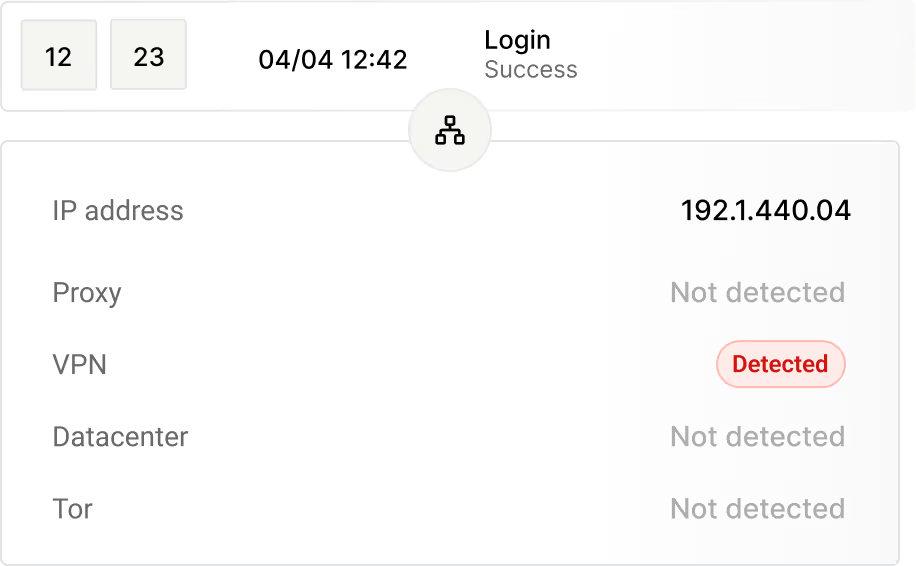
Detect VPNs, proxies and suspicious IP clusters to reveal hidden abuse sources.

Design rules your way - tailor actions to your product needs and automatically block or flag fraudulent accounts before they impact your business.

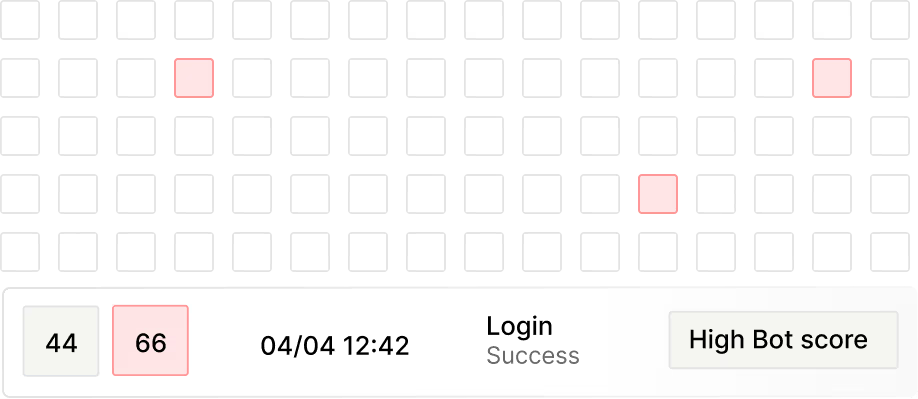
Risk and bot scores combine signals to prioritize the highest threats to your business.
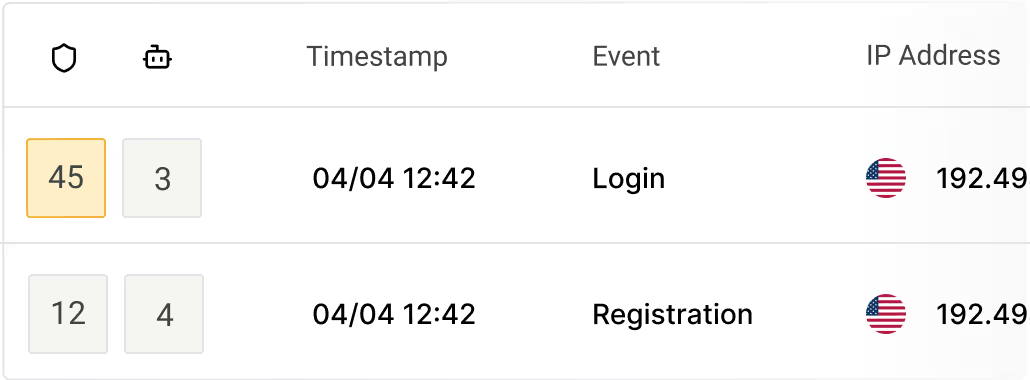
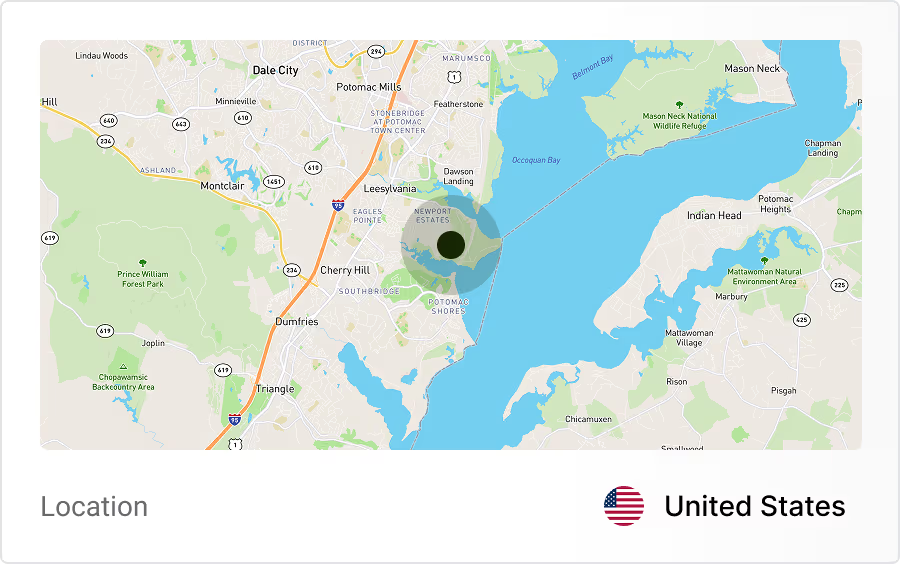
Track where user activity comes from and quickly identify suspicious regions or unusual signup patterns.
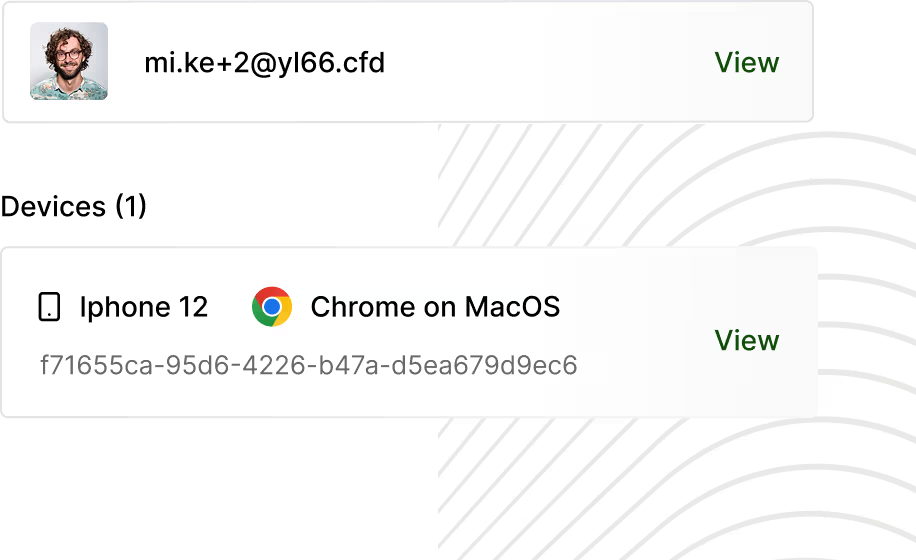
Trueguard generates unique device IDs to spot multiple accounts per device and automated activity, preventing bot fleets and scripted signups.
Identify bot-like patterns and block automated signups while preserving legitimate traffic.