
Free IP Location Checker
Find any IP address location, network details, and privacy signals. Free, no account required.
What this tool returns
Paste any IPv4 or IPv6 address and get a full breakdown of its location, network, and privacy context in one lookup. Results are grouped into three categories.
Country and region-level data is generally reliable. City-level results vary depending on how the ISP routes its traffic — they reflect where an IP block is registered, not necessarily where the device is physically located.
Location
Country, city, continent, timezone, latitude, and longitude. Useful for cross-referencing a user's claimed location or enforcing geo-based rules.
Network info
ASN, IP range, hostname, provider, organisation, and connection type. Tells you who owns and operates the network, and whether the traffic is residential, corporate, or from a hosting provider.
Privacy signals
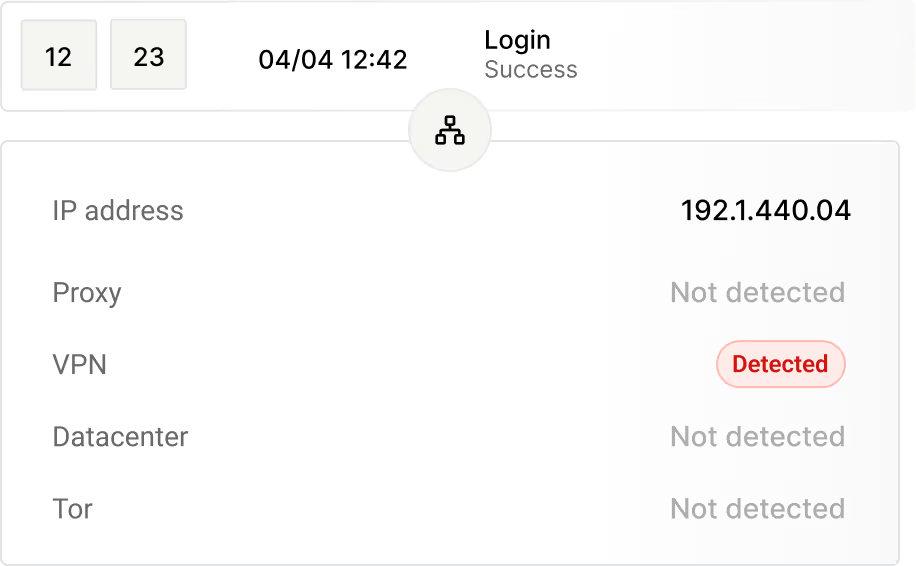
VPN, proxy, TOR, and datacenter detection. Identifies IPs that are masking a user's true origin. Note that these IPs typically resolve to the provider's registered location, not the user's physical location.
Where IP location data is useful
IP location data has practical applications across fraud prevention, product delivery, security operations, and analytics.
Fraud detection
Cross-check a user's claimed location against their IP's registered location to surface suspicious mismatches at signup, checkout, or login. A billing address in one country paired with an IP resolving to a different region or a known datacenter is a strong signal worth reviewing.
Localization and content delivery
Serve the right language, currency, and regional content based on where your visitors are actually connecting from. IP location gives you a reliable country-level signal to automate these decisions without requiring users to declare their location manually.
Security and access control
Flag or step-up-authenticate logins originating from regions your users do not normally connect from. When a known user suddenly appears on an IP registered to a foreign country or a hosting provider, IP location data gives your security workflow a concrete data point to act on.
Analytics and audience intelligence
Understand the real geographic distribution of your traffic and users without relying solely on self-reported data. Country and region-level IP data gives product, marketing, and growth teams an accurate baseline for audience segmentation and demand mapping.
Understanding IP location accuracy
IP geolocation works by mapping address blocks to physical locations using registration data, network routing information, and continuously updated databases. No method is perfectly precise, and accuracy depends heavily on the type of IP and how the network behind it is configured.
Country and region are generally reliable
IP address blocks are allocated to organisations within specific countries. For most residential and business IPs, country and region-level results will match the user's actual location.
City-level accuracy varies
ISPs often route traffic through major hub cities. The city in a lookup reflects where the ISP's infrastructure is registered, not necessarily where the user is sitting. Treat it as an approximation.
VPN and datacenter IPs behave differently
When a user connects through a VPN, the location you see belongs to the VPN provider's infrastructure, not the user's device. Datacenter IPs similarly resolve to where the provider's servers are registered. Use the privacy signals to identify these cases.
Frequently asked questions
Common questions about IP geolocation and location lookups.
IP geolocation is the process of mapping an IP address to a physical or approximate geographic location. It uses IP registration records, network routing data, and maintained databases to associate an address with a country, region, city, and related network information. The results reflect where an IP is registered or where its network infrastructure is located, not necessarily where the device using it is physically sitting.
Country and region-level results are generally reliable for most residential and business IP addresses. City-level accuracy varies depending on how an ISP routes its traffic, and users connecting through VPNs or proxies will appear to be located wherever the VPN provider's server is registered. IP location data is a strong directional signal, but it should be treated as one input in a broader decision, not as a precise physical fix.
The tool returns three groups of data: location details including country, city, continent, timezone, latitude, and longitude; network information including ASN, IP range, hostname, provider, organisation, and connection type; and privacy signals indicating whether the IP is associated with a VPN, proxy, TOR exit node, or datacenter. All results are returned in a single lookup with no account required.
No, and no IP geolocation tool can. IP addresses are assigned to network providers and organisations, not to individual households or people. The location data returned reflects where an IP block is registered or where a provider's infrastructure is concentrated. Looking up a personal address from an IP address is not technically possible through geolocation.
Regional internet registries allocate blocks of IP addresses to organisations, ISPs, and hosting providers in specific countries and regions. Geolocation databases are built by aggregating this registration data with active network routing information and commercial data sources. When you look up an IP, the tool queries this database to return the best available match for that address's geographic and network context.
Yes. The tool supports both IPv4 and IPv6 address lookups. IPv6 adoption is growing as the global address pool expands, and the underlying database covers IPv6 ranges for location, network, and privacy signal data.
ISPs often concentrate their routing infrastructure in major hub cities, so traffic from surrounding areas and smaller towns routes through those hubs. The city that appears in a lookup reflects where the ISP's infrastructure is registered or where traffic routes through, not necessarily where you are physically located. This is a known limitation of city-level geolocation and is not specific to any single tool or database.
ASN stands for Autonomous System Number. It is a unique identifier assigned to a network or group of IP addresses managed under a single routing policy, typically belonging to an ISP, hosting provider, or large organisation. The ASN tells you who controls the network behind an IP address, which is useful for distinguishing residential traffic from datacenter or corporate traffic.
Add IP intelligence to every user event automatically.
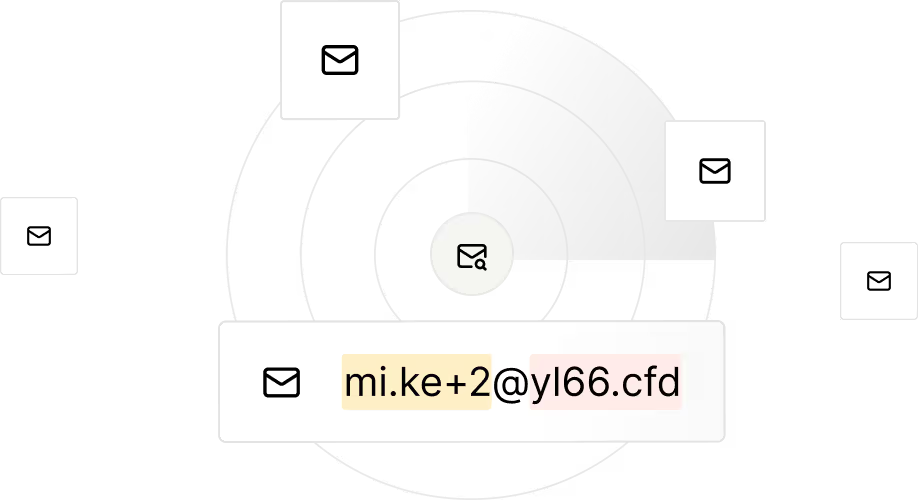
Identify disposable and low-quality emails so you can block risky signups early.
Detect VPNs, proxies and suspicious IP clusters to reveal hidden abuse sources.

Design rules your way - tailor actions to your product needs and automatically block or flag fraudulent accounts before they impact your business.

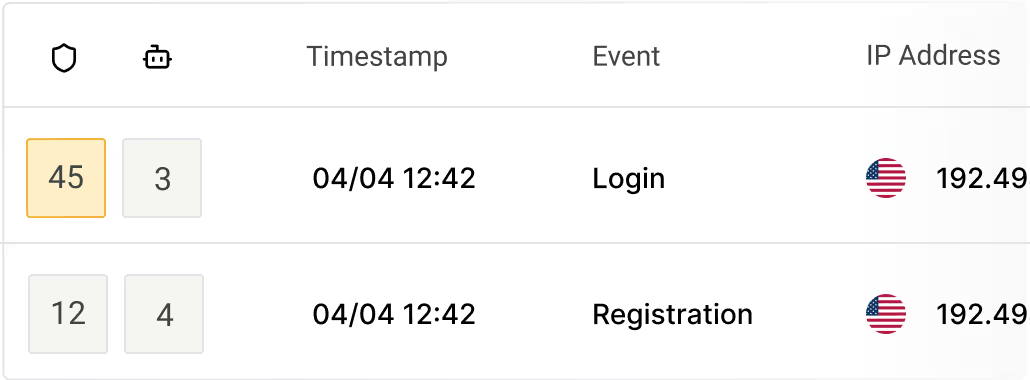
Risk and bot scores combine signals to prioritize the highest threats to your business.
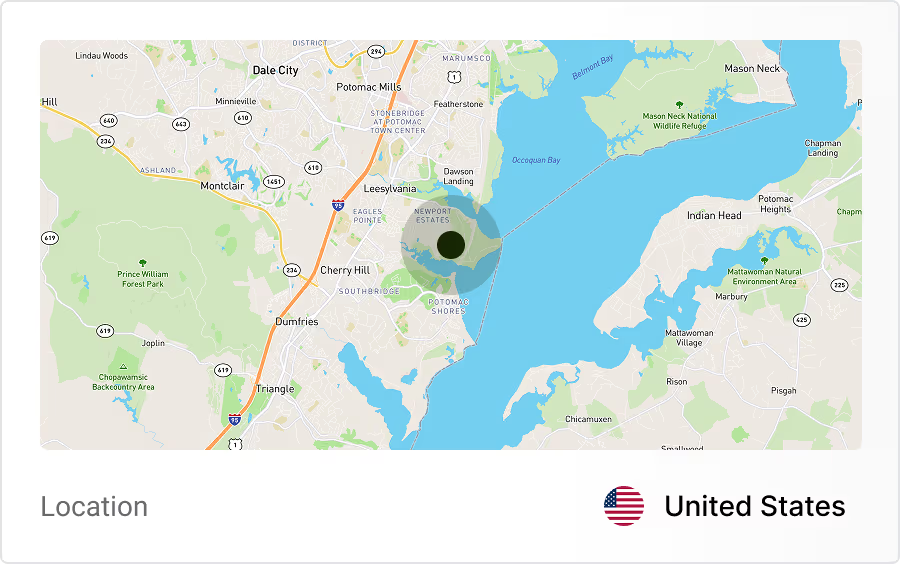
Track where user activity comes from and quickly identify suspicious regions or unusual signup patterns.
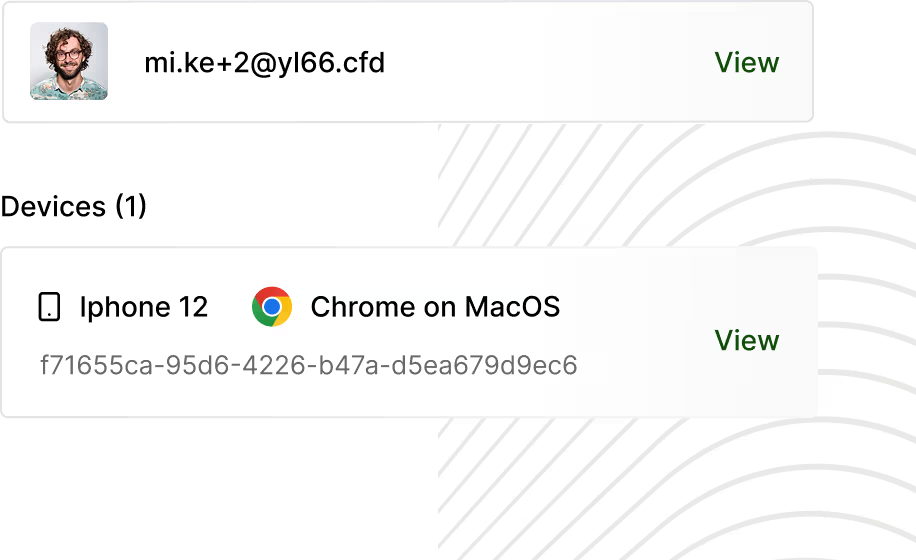
Trueguard generates unique device IDs to spot multiple accounts per device and automated activity, preventing bot fleets and scripted signups.
Identify bot-like patterns and block automated signups while preserving legitimate traffic.